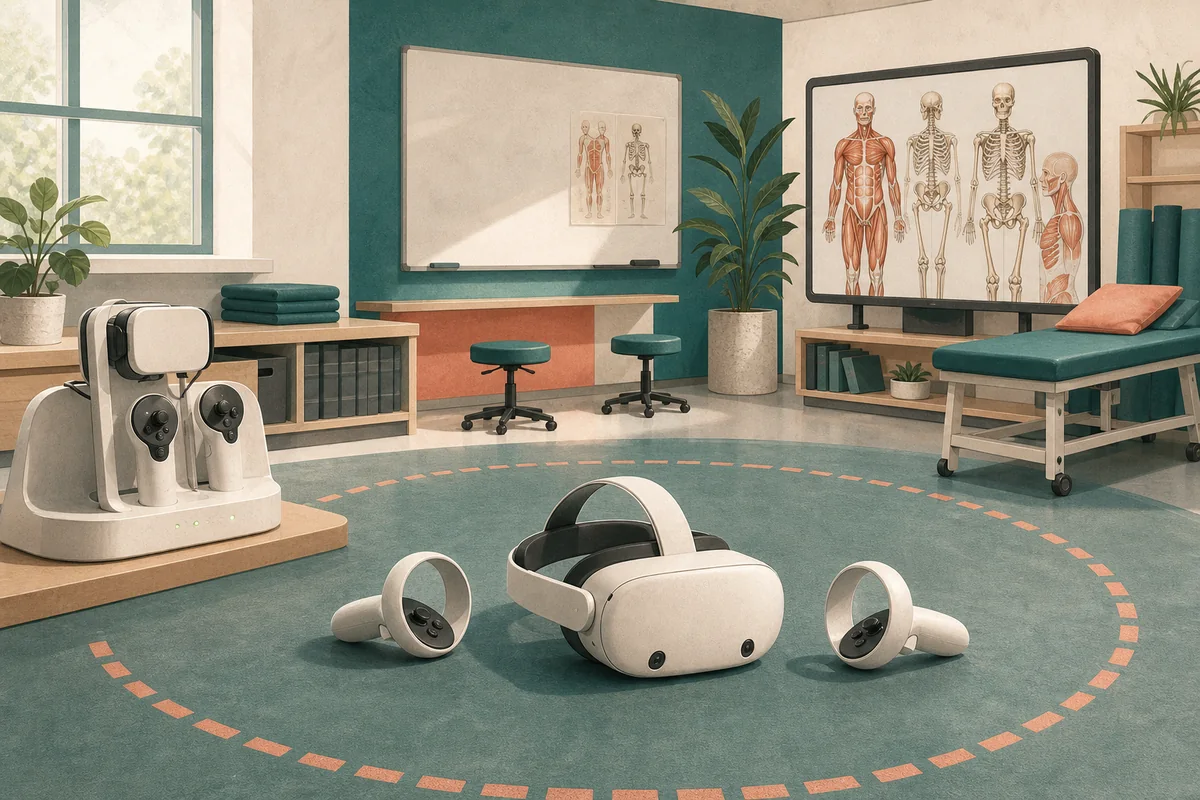
Standalone Meta Quest headsets have made virtual reality considerably easier to set up than earlier PC-based systems. Their wireless design and inside-out tracking reduce the need for external sensors, extensive cabling and a dedicated gaming computer.
The exact screens and account requirements vary by model and software version, but the general preparation process is consistent.
Before you begin
- Charge the headset and controllers fully.
- Prepare a clear, well-lit area with enough space to move safely.
- Install the current Meta Horizon mobile application if the headset requires it.
- Confirm that the wireless network and institutional account arrangements are appropriate.
Initial setup
- Switch on the headset and follow the on-screen instructions.
- Pair the controllers and connect to Wi-Fi.
- Install any required system updates before a teaching session.
- Define the safety boundary and test it from the learner’s position.
- Install and open the intended application in advance.
Preparing for teaching
A successful technical setup is only the beginning. Educators should plan how the activity supports a learning outcome, how students will receive instructions, and how they will reflect on the experience afterwards.
For shared devices, establish procedures for cleaning, charging, account access and checking for motion discomfort. Always provide an alternative activity for a student who cannot or does not wish to use a headset.
Wireless VR can reduce technical barriers, but thoughtful facilitation remains more important than the device itself.