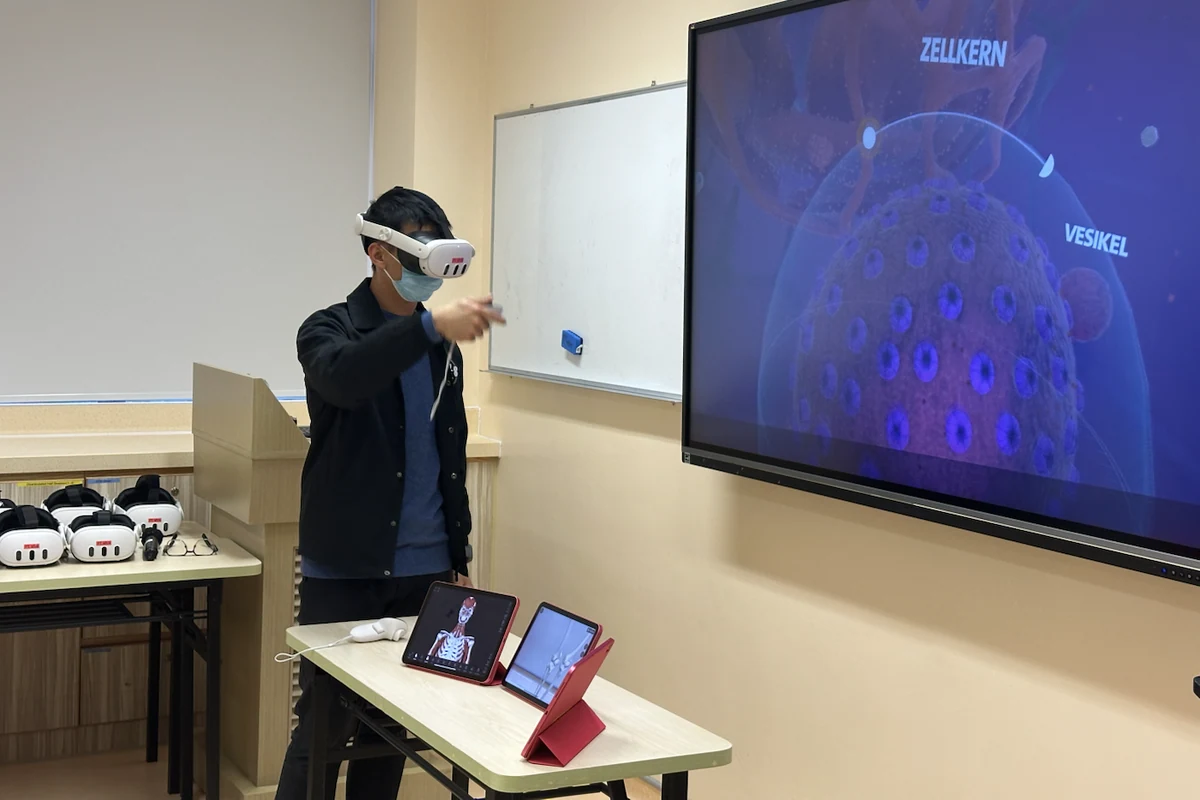
Watching someone put on a virtual reality headset immediately attracts attention. The learner moves, points and reacts to a world that others can only partly see. A demonstration can be engaging and memorable, but engagement alone does not make it a learning experience.
The educational question begins after the headset is switched on: what should the learner notice, practise, explain or decide, and how will the experience help them do it better?
A demonstration shows a technology
A demonstration is useful for introducing the controls, showing the visual environment and reducing uncertainty about an unfamiliar device. It can help staff and students imagine possibilities that are difficult to communicate through a written description.
However, simply entering a virtual environment may leave learners impressed without knowing what they were meant to learn. Novelty can dominate attention, particularly during a first encounter, while the intended concept remains peripheral.
A learning experience gives attention a purpose
Purposeful VR design begins with a specific educational difficulty. Perhaps students struggle to visualise a three-dimensional relationship, recognise a changing clinical situation or rehearse a sequence that is difficult to access safely in practice. VR is useful only when its affordances address that difficulty more appropriately than a simpler alternative.
The task should tell learners what to attend to and what they will need to do with the experience. A prompt to compare structures, predict a change, justify an action or explain an error turns exploration into directed learning.
The headset is not the whole class
VR sessions often involve more learners than headsets. Those who are waiting should not become a passive audience. They can observe a mirrored display, record decision points, compare strategies, prepare feedback or take responsibility for a related clinical question.
This also means that facilitation matters. An educator may need to manage the physical space, monitor comfort, help with controls and keep the educational conversation moving. Technical fluency supports the activity, but it should not displace the learning goal.
Reflection connects immersion to understanding
Immersion creates an experience, but learners still need to interpret it. A short debrief can ask what they noticed, which assumptions changed, where they felt uncertain and how the virtual task connects to a patient, procedure or decision outside the headset.
Assessment does not need to be elaborate. It may involve explaining a spatial relationship, demonstrating a technique afterwards, comparing two options or applying the experience to a case. What matters is that the evidence matches the intended learning outcome.
From demonstration to learning design
- Name the learning problem before selecting the virtual activity.
- Brief learners on the purpose, controls, safety and expected participation.
- Give observers an active role when headsets are shared.
- Use prompts that direct attention without removing productive uncertainty.
- Debrief the experience and connect it to clinical or professional practice.
- Collect evidence that reflects the intended learning, not only enjoyment or presence.
The question after the demonstration
A successful demonstration may persuade people that VR is interesting. A successful learning design should help students perceive, reason or perform differently because of the experience.
The distinction is simple but important: the headset creates access to a virtual environment; educators and learners create the learning experience around it.